Clipture for Mac
A Mac screenshot tool for windows, areas, and annotations
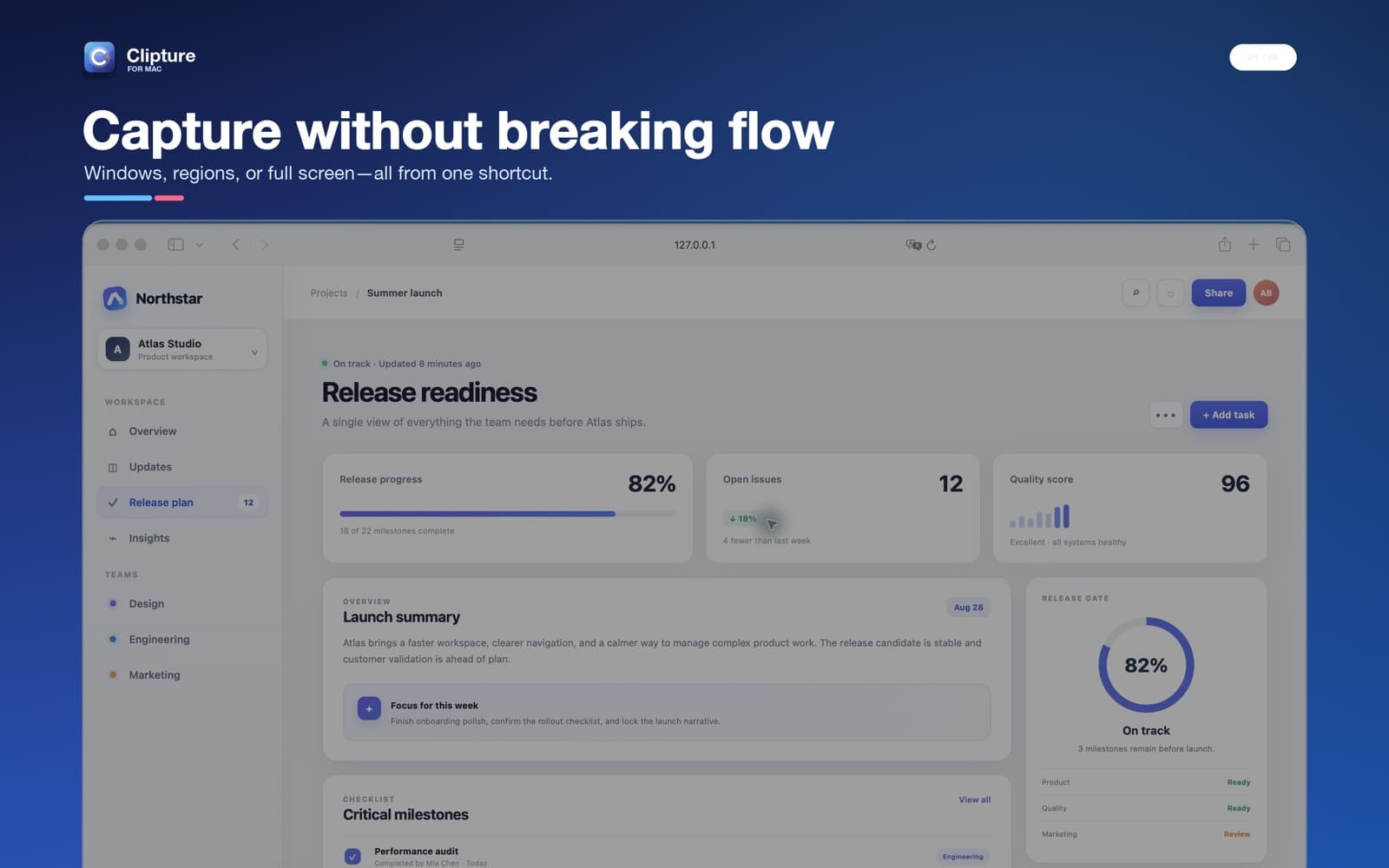
One shortcut for window and area capture
Press Control-Command-A to start. Move the pointer over an app window and Clipture highlights its actual boundary. Click to capture that window, or drag anywhere to define a custom area. The same interaction also covers full-screen capture, so there is no separate mode to choose before you begin.
Hold Shift while clicking to select several windows. Clipture captures the selected windows themselves rather than the rectangular desktop area between them. This keeps unrelated wallpaper and background windows out of the result.
Padding, shadow, and exact pixels
Window screenshots include balanced white space and a soft macOS-style shadow by default. Hold Option while capturing when you need the exact window pixels without presentation padding. The setting can also be changed permanently in Clipture Settings.
After capture, use the compact toolbar to draw rectangles, circles, lines, arrows, text, mosaic blocks, and numbered notes. The result can be copied to the clipboard, saved as PNG or JPEG, or pinned above other windows.
Designed for repeated daily use
Clipture runs from the menu bar and can start when you log in. Shortcuts are editable, capture sound is optional, and pressing Esc always closes the current capture without saving. Screen Recording permission is used only to read the pixels you choose to capture.
Frequently asked questions
What is the default Clipture screenshot shortcut?
Control-Command-A starts smart capture. The shortcut can be changed in Clipture Settings.
Does Clipture upload screenshots?
No. Capture and annotation are processed locally on the Mac unless you explicitly export or share the result.
Can Clipture capture several windows?
Yes. Hold Shift and click each window. The result contains the selected windows rather than the desktop rectangle between them.